A scraper or rank tracker running on a laptop stops when the lid closes, shares a home connection with everything else, and leaves from the IP your internet provider gave you. Moving it to a VPS fixes the first two problems. Proxies fix the third. This guide covers how to split the work between the two, how to size the server, and the setup that keeps a scheduled job running for months without babysitting.
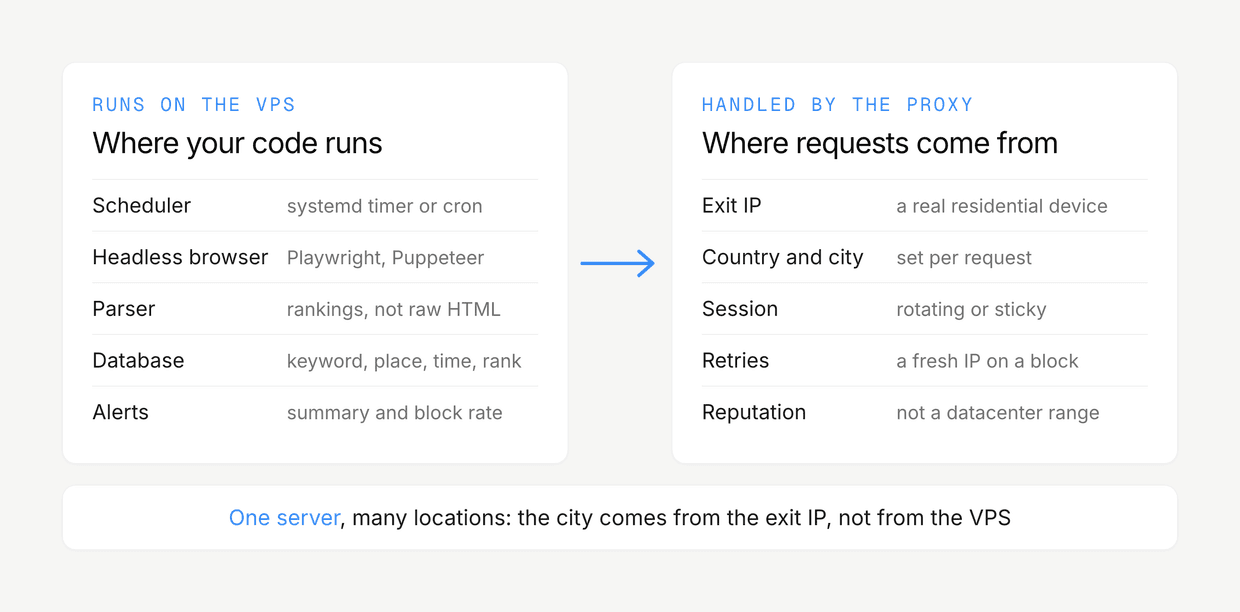
The short version: the VPS is where your code runs, the proxy is where your requests come from. Keep those two jobs separate and most of the hard decisions get easy.
Why run scrapers on a VPS at all
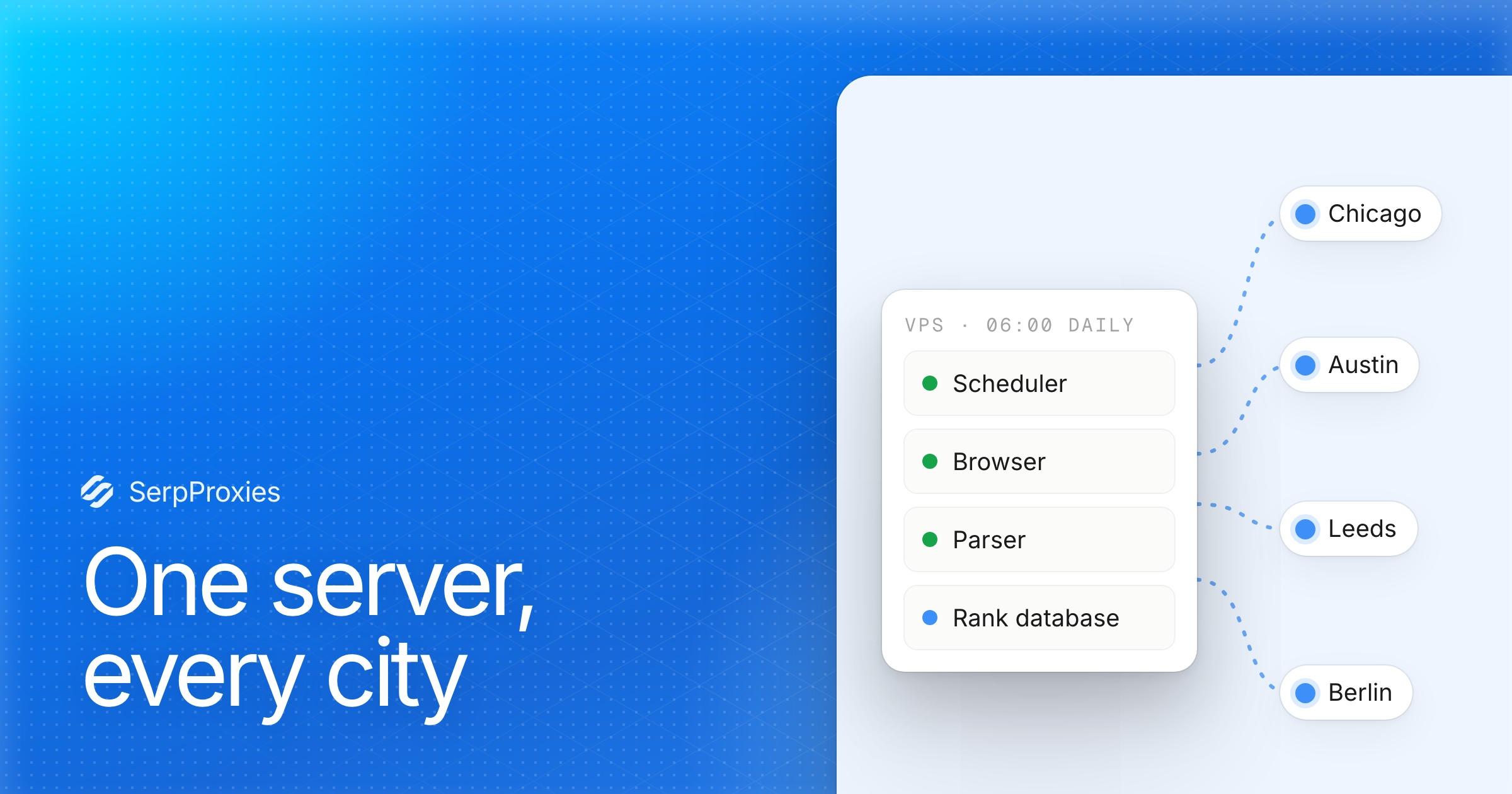
- It never sleeps. A rank tracker that checks 2,000 keywords every morning needs a machine that is on at 6:00 every morning. A VPS runs your cron jobs whether or not your own computer is on.
- Stable bandwidth. A headless browser loading results pages is heavy on bandwidth and CPU. On a server it doesn't compete with video calls, and it doesn't hit a home connection's upload limits.
- Repeatable environment. One Linux image, one Python or Node version, one browser build. When something breaks you know it was the target that changed, not your machine.
- Close to the target. Picking a server region near where you search (or near your proxy pool's exit country) cuts the round-trip time on every request.
Why the VPS IP alone is not enough
Every VPS sits in a datacenter IP range, and every major search engine and marketplace knows which ranges those are. A handful of requests from a server IP usually go through. A rank tracker sending thousands of queries a day from one server IP gets CAPTCHA pages, empty results or, worse, quietly altered results that look real.
There is a second problem: a server IP has one location. A local rank tracker needs to see Google as a searcher in Chicago, then Austin, then Leeds. That location has to come from the exit IP, which means a proxy in each place, not a server in each place.
So the VPS handles scheduling, browsers, parsing and storage, and the proxy decides where each request appears to come from.
Which proxy type for which job
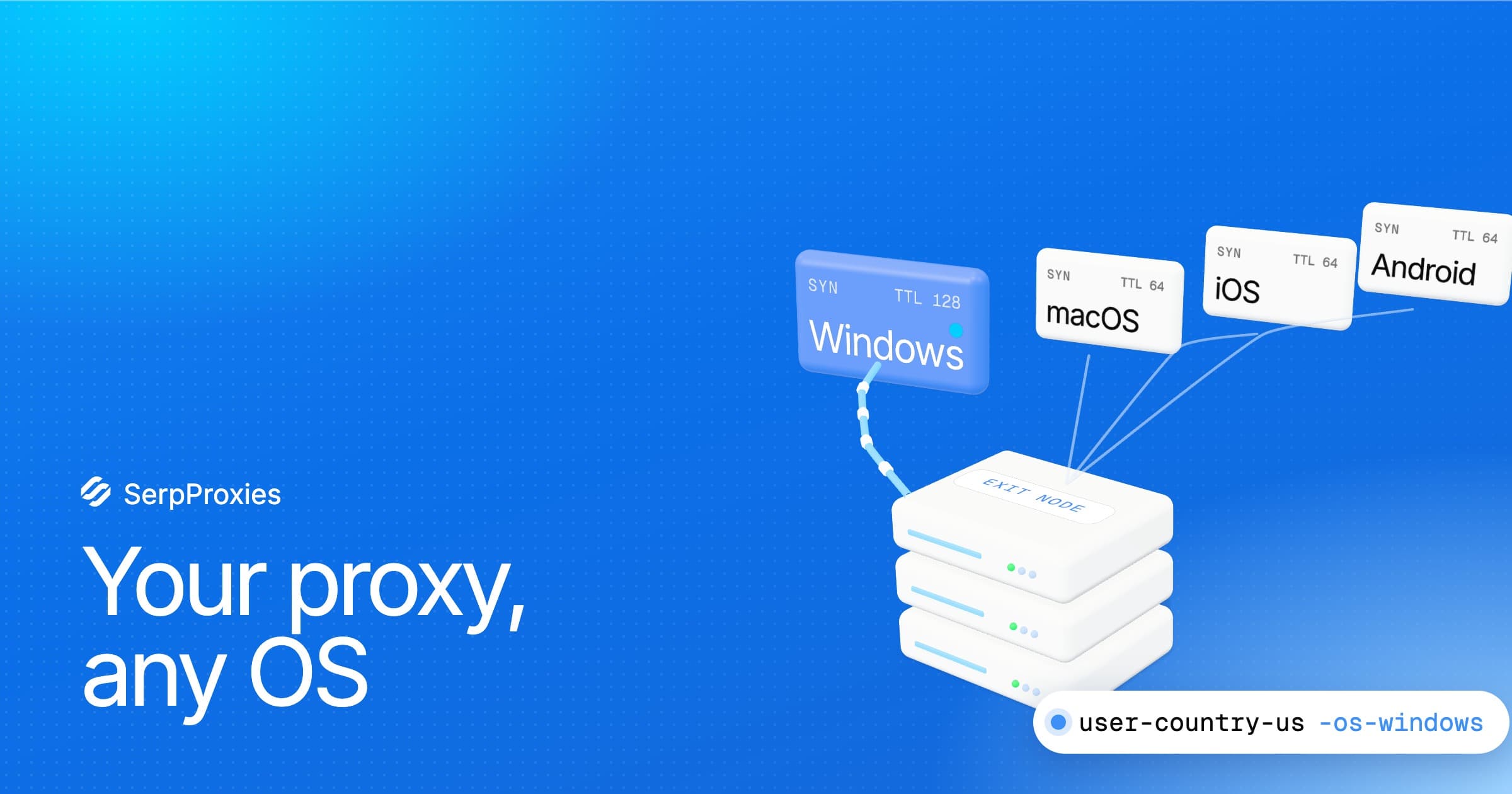
- Rotating residential for search results and rank tracking. Each request (or each short sticky session) gets a fresh real-device IP in the country or city you pick, which is what search engines expect a searcher to look like.
- Static ISP for anything that logs in or keeps a session: dashboards, seller accounts, sites where a changing IP triggers a security check. One dedicated IP, ISP reputation, datacenter speed.
- Mobile for the hardest targets, where only carrier IPs get through reliably.
- Datacenter for easy targets: your own sites, APIs, monitoring pages that don't block servers.
Most rank tracking stacks use rotating residential for the searches and nothing else. Start there and add other types only when a specific target needs them.
Sizing the VPS
What drives the size is whether you run a real browser.
- Plain HTTP requests (requests, httpx, Go, curl): 1 to 2 vCPU and 2 GB of RAM handle a lot of work. These jobs spend most of their time waiting on the network, so concurrency is cheap.
- Headless Chromium (Playwright, Puppeteer): budget roughly 300 to 500 MB of RAM and a good share of a CPU core per open browser page. Four vCPU and 8 GB comfortably run 6 to 10 concurrent pages.
- Heavy rendering or many parallel workers: CPU is the limit. A high-frequency CPU plan finishes the same queue noticeably faster than more, slower cores.
Storage matters less than people expect. Store parsed rankings, not raw HTML, and a year of daily checks for thousands of keywords fits in a few GB. NVMe helps if you keep a local database and write to it a lot.
Pick a host with unmetered or generous traffic. Browsers download more than you think, even with images blocked, and per-GB server traffic charges add up on top of proxy bandwidth.
A setup that survives months unattended
1. Base system
Use a current Ubuntu or Debian LTS image. Create a non-root user, turn on SSH key login, disable password login, and enable automatic security updates. If you run a browser, install it with Playwright's own installer (npx playwright install --with-deps chromium or playwright install --with-deps chromium in Python) so its system libraries match.
2. Keep credentials out of the code
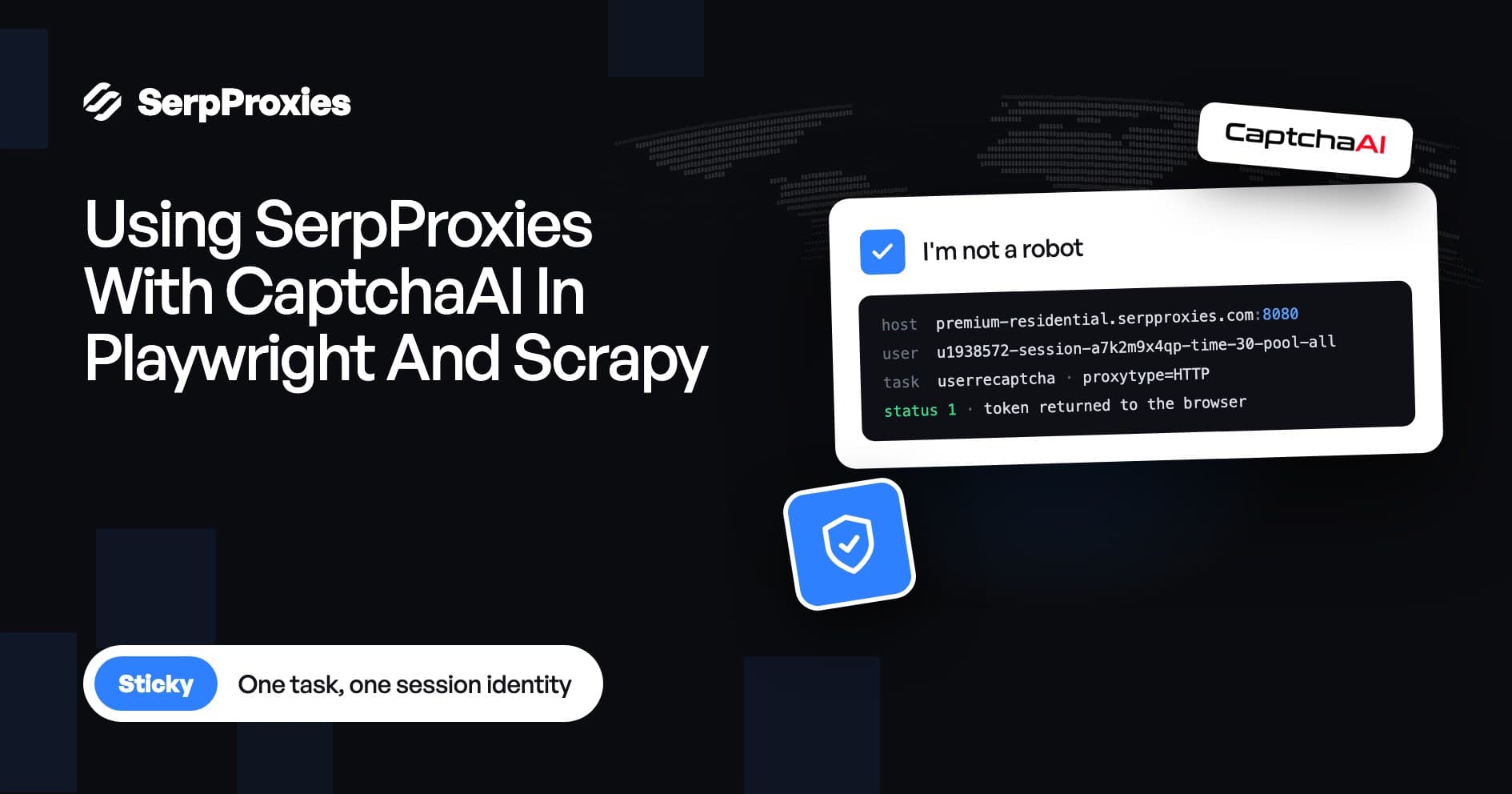
Generate proxy credentials in your proxy dashboard (country, city, sticky or rotating) and store them as environment variables, for example in a .env file readable only by your user:
SERP_PROXY_HOST=HOST
SERP_PROXY_PORT=PORT
SERP_PROXY_USER=USER
SERP_PROXY_PASS=PASS
Paste the values exactly as the dashboard generates them. Location and session settings live in the username, so editing it by hand is the most common reason a "working" proxy suddenly exits in the wrong country.
3. Route only the scraper through the proxy
Don't set a system-wide proxy on the VPS. Package updates, your database and your monitoring should use the server's own connection. Pass the proxy to the HTTP client or browser that needs it:
import os
from playwright.sync_api import sync_playwright

proxy = {
    "server": f"http://{os.environ['SERP_PROXY_HOST']}:{os.environ['SERP_PROXY_PORT']}",
    "username": os.environ["SERP_PROXY_USER"],
    "password": os.environ["SERP_PROXY_PASS"],
}

with sync_playwright() as p:
    browser = p.chromium.launch(proxy=proxy)
    page = browser.new_page()
    page.route("**/*.{png,jpg,jpeg,gif,webp,woff,woff2,mp4}", lambda r: r.abort())
    page.goto("https://www.google.com/search?q=example&hl=en&gl=us")
    # parse page.content() here
    browser.close()
Blocking images, fonts and media cuts proxy bandwidth per results page sharply without changing the rankings you parse.
4. Schedule it properly
Use a systemd timer or cron. systemd is the better default: it logs every run to the journal, can restart failed jobs, and won't start a second copy while the first is still running.
# /etc/systemd/system/ranks.service
[Service]
Type=oneshot
User=scraper
WorkingDirectory=/home/scraper/ranks
EnvironmentFile=/home/scraper/ranks/.env
ExecStart=/home/scraper/ranks/.venv/bin/python run.py

# /etc/systemd/system/ranks.timer
[Timer]
OnCalendar=*-*-* 06:00:00
RandomizedDelaySec=900
Persistent=true

[Install]
WantedBy=timers.target
RandomizedDelaySec spreads the start time so your traffic doesn't land at exactly the same second every day, and Persistent=true runs a missed job after a reboot.
5. Pace, retry and verify
- Limit concurrency per target. Ten parallel workers on one search engine is plenty for most keyword lists. Spread the run across an hour rather than firing everything in a minute.
- Retry on a new IP. On a CAPTCHA page, a 429 or a timeout, wait a few seconds and retry with a new session rather than hammering the same one.
- Detect blocks explicitly. Check for CAPTCHA markers and for results pages with no organic results. Log them as failures, never as "not ranking".
- Record the context. Store the keyword, location, device, time and exit country with every rank. Two reports that disagree are usually measuring from different places.
6. Watch it
Have the job send a short summary when it finishes (keywords checked, failures, block rate) to email, Slack or Telegram, and an alert if it didn't finish at all. A rising block rate is the earliest sign that pacing, proxy type or target behaviour needs a change.
Picking a VPS for this
The checklist is short: a region close to your targets or proxy exits, modern CPUs, NVMe storage, unmetered traffic and root access to install your own stack. PSB Hosting checks those boxes. It offers VPS in the Netherlands, Germany, Finland and the US on AMD and Intel CPUs with DDR5 and NVMe, unlimited traffic on every plan, ports up to 10 Gbit/s, and Linux, Windows or FreeBSD with Docker available preinstalled. For browser-heavy rank tracking, its HI-CPU plans on AMD Ryzen 7950X are the ones to look at, since rendering is CPU-bound.
Pair the server with a residential pool that targets the countries and cities you track, and you have a rank tracker that runs every day, from the right locations, without your laptop being involved.
FAQ
Can I just use the VPS IP without a proxy?
For your own sites and easy targets, yes. For search engines at any real volume, no: datacenter ranges are flagged quickly, and the server has only one location.
Should the VPS and proxies be in the same country?
It helps latency but isn't required. What matters for results is the proxy's exit location. Put the server where it is fast to reach your proxy gateway and the targets.
How big a VPS do I need for 1,000 keywords a day?
With plain HTTP requests, a small 2 vCPU / 2 GB server. With a headless browser and top-100 depth, plan on 4 vCPU / 8 GB so the run finishes in well under an hour.
Do I need a static IP or rotating proxies for rank tracking?
Rotating residential. Rank checks are independent queries, and a fresh IP per query (or per short sticky session) looks like many different searchers. Static ISP IPs are for logged-in sessions.