How much proxy bandwidth does a sneaker bot use? A typical 50-task drop on Nike SNKRS uses 2 to 5 GB of residential proxy bandwidth depending on queue time and retry rate. A 50-task Shopify drop uses 1 to 3 GB. Monitoring before the drop adds 0.5 to 2 GB on top of that. ISP proxies use less bandwidth per checkout because their faster connection times reduce session duration.
Bandwidth is the part of proxy pricing that catches most botters off guard. You buy 10 GB of residential proxy bandwidth expecting it to cover several drops, then you are out after one major SNKRS release and have no idea why.
The amount of bandwidth a drop actually consumes depends on four things: the number of tasks you run, the length of the queue wait, how many retries your bot makes, and whether you run monitoring through the same proxy pool. Each variable compounds the others.
What Eats Bandwidth on a Drop
Every request your bot makes costs bandwidth. A single checkout attempt on Nike SNKRS is not one request — it is dozens. Your bot hits the product page, loads assets, submits to the queue, polls for queue status, loads the cart, submits payment, and handles any retry logic. Each of those steps transfers data.
The requests are not large individually — product pages on sneaker sites are typically 200 to 800 KB per load, and API calls are much smaller. But multiply that by 50 tasks, each making 20 to 40 requests across a 20-minute queue session, and you are looking at several gigabytes of data before checkout completes on a single drop.
The Queue Wait Multiplier
Queue waits are the biggest bandwidth variable. On SNKRS raffles, your bot stays in the queue for the duration of the drop window — often 15 to 30 minutes. During that time, it is sending and receiving periodic queue status requests to maintain the session.
These polling requests are small individually, but across 50 tasks over 30 minutes they add up. A 30-minute queue wait at typical polling rates adds roughly 0.5 to 1 GB on top of the core checkout bandwidth for a 50-task run.
Shopify queue drops have a similar dynamic but typically shorter queue durations. A 10-minute queue on a boutique Shopify drop costs less bandwidth than a 30-minute SNKRS raffle session.
Bandwidth Estimates by Platform
These are realistic estimates for a 50-task setup based on typical drop behavior. Actual usage varies based on bot efficiency, retry rates, and site response sizes.
Nike SNKRS (50 tasks): 3 to 6 GB per drop. Akamai's challenge system generates additional request overhead compared to simpler sites. Long raffle windows push toward the higher end. Retry logic on failed tasks adds further.
Shopify boutique drops (50 tasks): 1 to 3 GB per drop. Faster checkout flow, shorter queue times, less polling overhead. The lower end applies to clean runs with low retry rates. High-traffic drops with more retries push toward 3 GB.
Pokémon Center (50 tasks): 2 to 4 GB per drop. Similar to SNKRS due to Shopify-based checkout with queue system, plus captcha harvesting adds request overhead. PKC drops often have longer queue times than boutique Shopify sites.
Target and Walmart (50 tasks): 0.5 to 1.5 GB per drop. Fast checkout without prolonged queue systems means significantly less bandwidth per session.
Monitoring vs Checkout Bandwidth
Most botters run monitoring through the same residential proxy pool they use for checkout. Monitoring — continuously checking product pages and API endpoints for restock signals — adds bandwidth before the drop even starts.
A monitoring setup checking 10 product pages every 30 seconds for two hours before a drop uses roughly 0.5 to 1.5 GB depending on page sizes and polling frequency. This is easy to underestimate because it looks like low-intensity usage right up until it has consumed a meaningful chunk of your bandwidth budget.
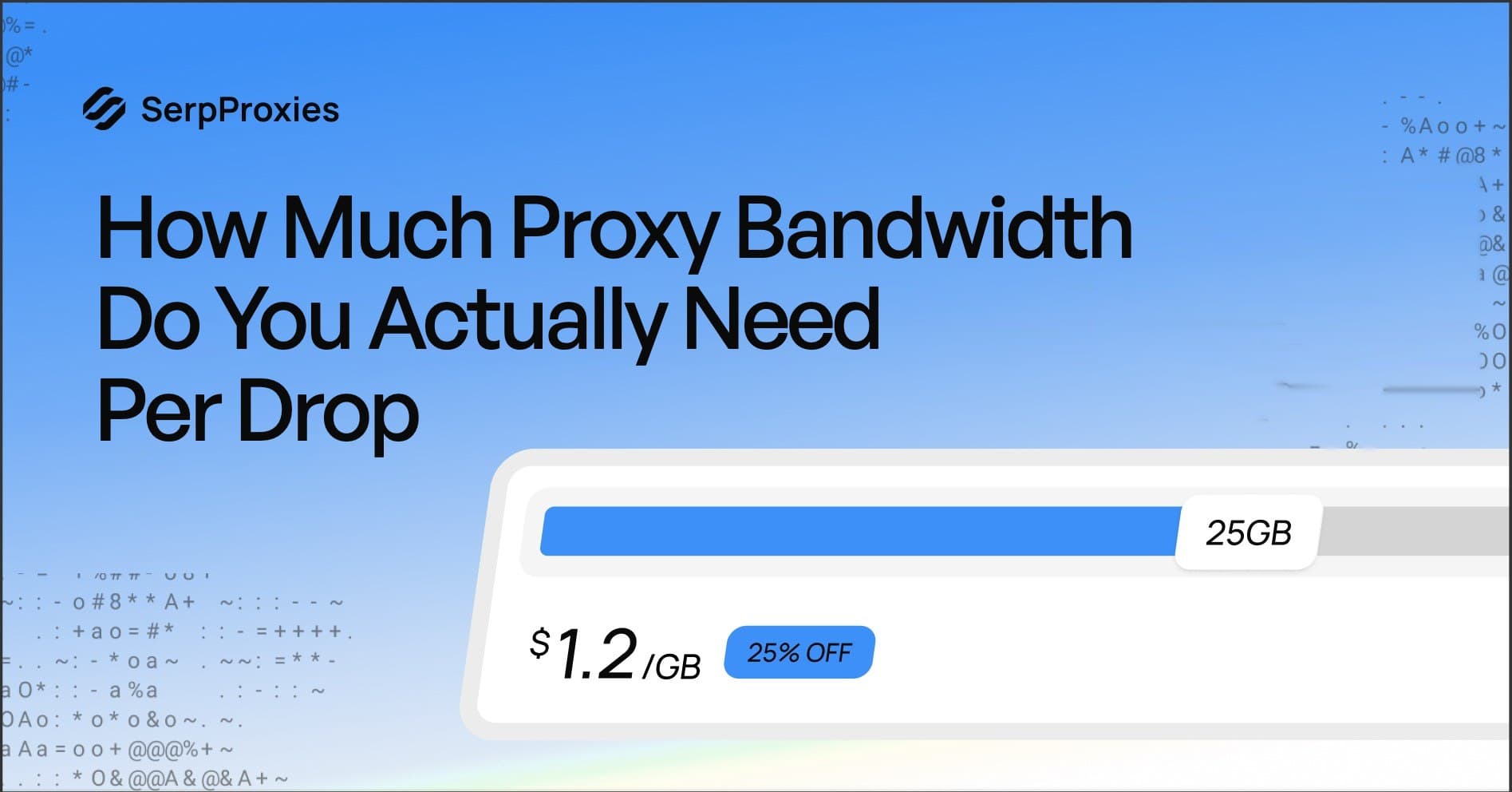
The cleanest approach is running monitoring through a separate proxy allocation from checkout. SerpProxies Premium Residential starting from $1.20/GB lets you calculate monitoring and checkout costs separately and buy accordingly.
ISP Proxies and Bandwidth
ISP proxies charge per IP rather than per GB, with unlimited bandwidth included. SerpProxies Static ISP starts from $1.20 per IP.
For drop use cases where you are holding sticky sessions through long queue waits — Pokémon Center, SNKRS raffles — ISP proxies eliminate the bandwidth anxiety entirely. You are not watching a GB counter tick down while you are 25 minutes into a PKC queue.
The unlimited bandwidth model makes ISP proxies the right pricing fit for high-task setups with unpredictable session lengths. If you consistently run 50-plus tasks on drops with queue systems, ISP proxies are cheaper per drop than residential proxies at most realistic bandwidth consumption levels.
The tradeoff is that ISP proxies have a smaller IP pool, which affects IP diversity. For most botters the math works out in favor of ISP proxies for their primary checkout tasks and residential proxies for monitoring.
How to Budget Bandwidth Correctly
Start with your task count. For every 10 tasks, budget 0.5 to 1 GB of residential bandwidth per drop depending on the platform. SNKRS and long-queue sites go to the higher end. Fast-checkout retail goes lower.
Add monitoring bandwidth separately. If you run persistent monitoring, add 0.5 to 1 GB per two-hour monitoring window to your estimate.
Add a 30 percent buffer on top of your estimate. Anti-bot challenges, retry loops, and unexpected queue extensions all consume more bandwidth than a clean run. Running out of bandwidth mid-drop because you underestimated by 20 percent is an expensive way to learn.
For a typical SNKRS drop with 50 tasks and two hours of pre-drop monitoring, budget 5 to 8 GB. For a Shopify boutique with 30 tasks and one hour of monitoring, 3 to 4 GB is a reasonable estimate.
Reusing Bandwidth Across Drops
Residential proxy bandwidth does not expire with a single use. Bandwidth you buy does not reset daily — you use it until it runs out.
The implication for planning is that you can buy bandwidth in larger blocks for multiple drops rather than buying per-drop amounts. A 20 GB allocation covers roughly three to four major SNKRS drops at 50 tasks, or six to eight faster-checkout retail drops, depending on queue behavior.
SerpProxies Premium Residential pricing starts from $1.20/GB. Buying in larger blocks is more cost-efficient than buying small amounts per drop. Plan a two to three drop window when you purchase to get the best per-GB rate.
Key Takeaways
Proxy bandwidth consumption per drop scales with task count, queue time, retry rate, and monitoring intensity. SNKRS and long-queue drops use 3 to 6 GB for a 50-task setup. Shopify boutiques use 1 to 3 GB. Retail sites like Target and Walmart use under 1.5 GB.
Run monitoring through a separate proxy allocation from checkout so you can budget each independently. ISP proxies with unlimited bandwidth eliminate the calculation entirely for checkout tasks with unpredictable session lengths. Add a 30 percent buffer to every bandwidth estimate — retry loops and anti-bot challenges always consume more than a clean run projection suggests.
FAQ
How much bandwidth does a sneaker bot use per drop?
For a 50-task setup, expect 3 to 6 GB on Nike SNKRS, 1 to 3 GB on Shopify boutique drops, and 0.5 to 1.5 GB on fast-checkout retail sites like Target and Walmart. Queue wait times are the biggest variable — longer queues mean more polling requests and higher bandwidth consumption per session.
Why does my proxy bandwidth run out so fast?
Queue polling adds significant bandwidth overhead beyond the core checkout requests. If your bot is holding 50 sessions through a 30-minute SNKRS raffle window, polling requests alone consume 0.5 to 1 GB. Monitoring through the same proxy pool before the drop adds another 0.5 to 1.5 GB. Budget for both, not just checkout.
Should I use ISP or residential proxies to save bandwidth?
ISP proxies charge per IP with unlimited bandwidth, which eliminates bandwidth cost entirely for checkout tasks. For high-task setups running long queue sessions repeatedly, ISP proxies are typically cheaper per drop than paying per GB of residential bandwidth. Use residential proxies for monitoring where per-GB pricing is manageable and IP diversity matters more.
How much bandwidth do I need for Pokémon Center drops?
For a 50-task PKC run, budget 2 to 4 GB. Pokémon Center's queue system adds polling overhead similar to SNKRS, and captcha harvesting generates additional request traffic. Add 0.5 to 1 GB for pre-drop monitoring if running it through the same pool.
Can I reuse leftover bandwidth across multiple drops?
Yes. Residential proxy bandwidth from SerpProxies does not reset daily — unused GB carries forward until you exhaust the allocation. Buying in larger blocks across a two to three drop window is more cost-efficient than buying small per-drop amounts.